Journal / Story
Where the power goes
- Author
 Alex Bendiken, Founder
- Published
- Reading
- 2 min
- Written in
- Finn, Mercedes Sprinter
We wanted to see what was using our battery and switch it off from the phone. The hardware was easy to find. One more app was the problem.
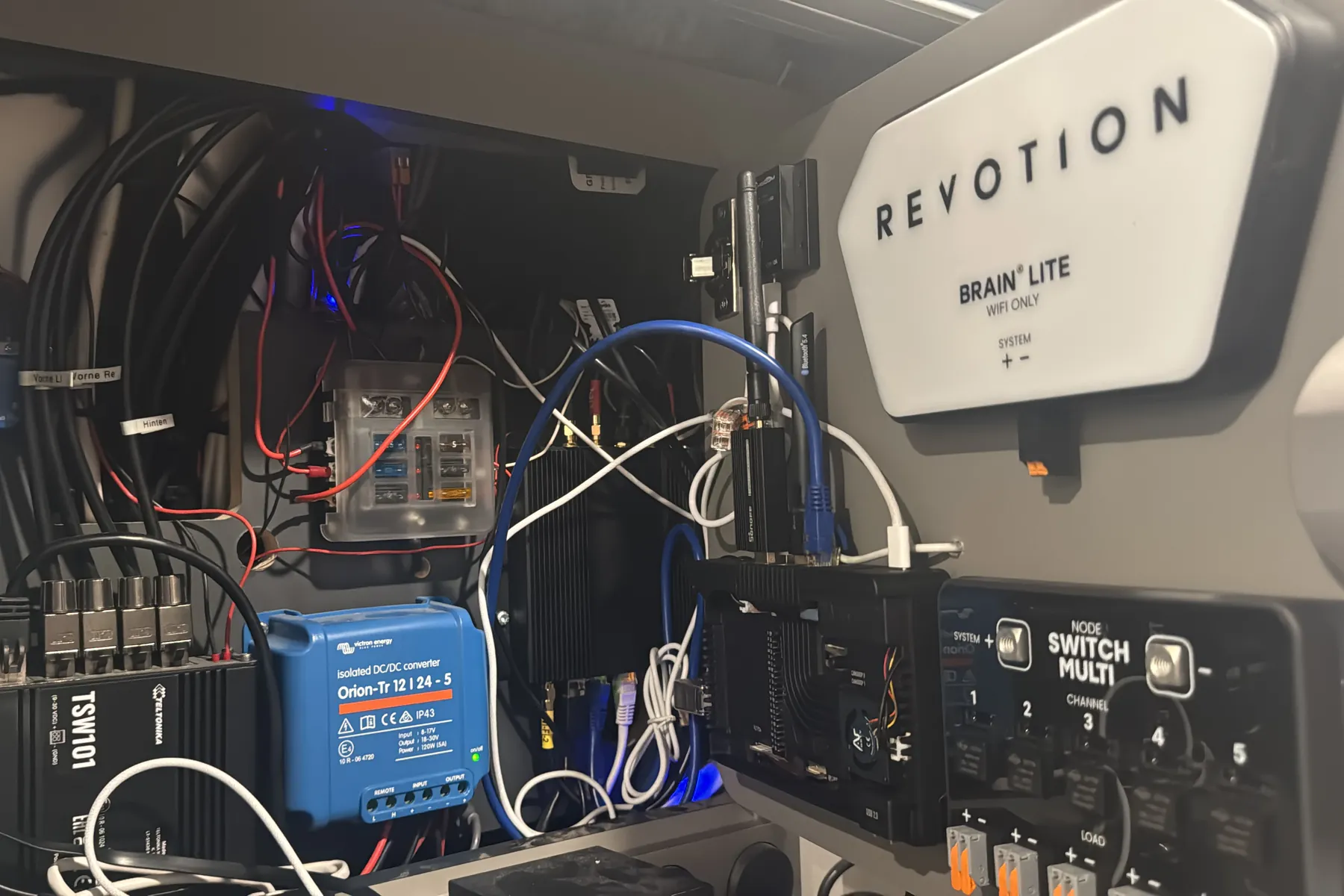
One of the reasons I started Weft is that I wanted to add more to our van, and one of the first things was knowing where our power goes.
We charge a lot of devices. The kids have their laptops, iPads and e-book readers, and we have our own laptops. Then there's Starlink, the router and a few other things that are always drawing something. We could see the battery going down, but we never really knew what was using it.
So I wanted two things. I wanted to measure each of those properly, and I wanted to switch them remotely: turn off Starlink, turn off a few chargers, and put the van into a kind of manual low-power mode when we need it.
That's how I found REVOTION. It works really well as a light retrofit like this. You add one or two REVOTION Switch Multi nodes, and you can switch those devices on and off and see how much power each one is using.
But it would have meant one more app. We already had BlueBattery, Victron, MBAC, Dometic, Goldschmitt and Shelly, and probably a few I'm forgetting. Every system came with its own app, and it was getting hard to justify adding another one.
And separate apps don't work together. An automation in one app can't see what's happening in the other.
That was the other big reason for Weft. I wanted one place where we can keep adding to the van: a new system, a small sensor, an Aqara presence sensor without the Aqara app. Everything shows up in the same place and works with everything else, including the automations.
Now when the battery is lower than we'd like, we can see straight away what's using it, and switch it off from the phone.